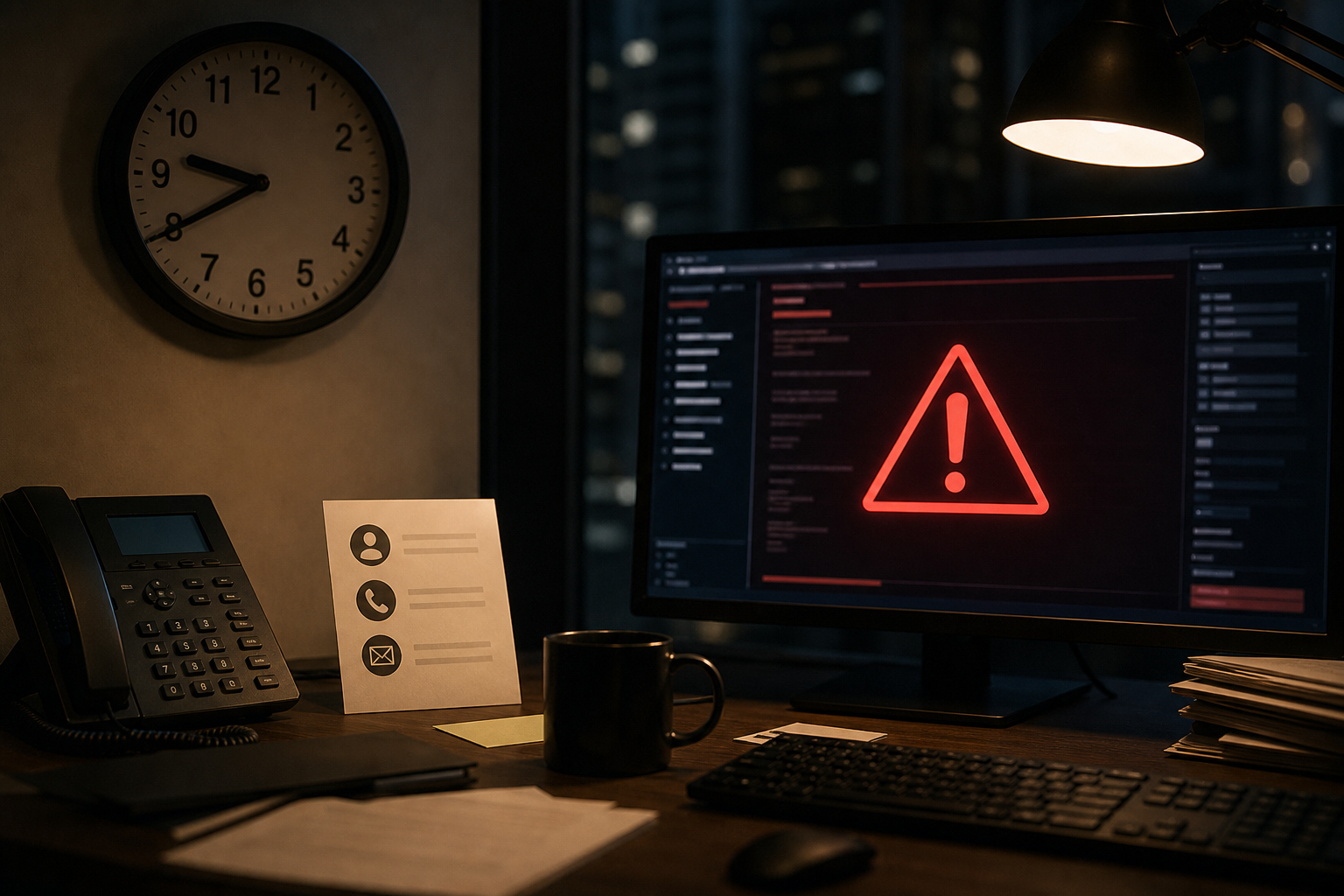
At 9:40 p.m. on a Saturday, two people report IT problems. One employee cannot print a single packing slip from one workstation. The other report is that nobody in the company can sign in to Microsoft 365, answer phones, or process orders. Those two calls should not trigger the same response, but plenty of small businesses never define that until the wrong night.
That is the real job of after hours IT support for small business. Before an emergency, a company needs plain written rules for what counts as urgent, who can approve emergency work, how fast someone should acknowledge the issue, and where staff should go for the correct contact method.
What should a small business expect from after-hours IT support? Expect a clear escalation process, not automatic instant repair for every issue. Good after-hours IT support defines urgent incidents, names who may authorize emergency work, sets realistic acknowledgement targets, and gives employees one correct contact path for nights, weekends, and Colorado weather related disruptions.
What should a small business expect from after-hours IT support?
A small business should expect defined accountability, realistic urgency rules, and a documented path for getting help outside business hours. It should not expect every ticket to become a midnight emergency, and it should not leave staff guessing whether to text a manager, email a help desk, or wait until Monday.
This is the part I want explicit in any ongoing support relationship. At QuByte Systems, the issue is not just whether someone can be reached. It is whether everyone already knows:
- Which problems qualify as urgent
- Which problems wait for normal business hours
- Who has authority to request emergency response
- What acknowledgement means, versus what resolution means
- Where the official contact instructions live
A weak version sounds like this: “Call if something is really bad.”
A stronger version sounds like this: “Use the after-hours number only for company-wide outages, security incidents, phone failures affecting inbound customer calls, or issues that stop revenue, patient care, scheduling, or field operations. A department head, owner, practice manager, or named on-call leader must approve the emergency request.”
Most businesses do not have an IT availability problem first. They have an expectations problem.
Which incidents should count as urgent after hours?
Urgent after-hours incidents are the ones that stop core business operations, create a serious security risk, or affect many users at once. Single-user inconvenience issues usually do not belong in the same queue as a company-wide outage.
For Colorado small businesses, urgent usually means one of these categories:
- Company-wide outage. Nobody can access line-of-business systems, Microsoft 365, internet, phones, or shared files.
- Security event. Possible ransomware, account takeover, suspicious data access, or a lost device with business data on it.
- Revenue-stopping issue. A restaurant cannot process cards, a retailer cannot use the POS, a construction office cannot dispatch crews, or a professional services firm cannot access scheduling and documents for Monday deliverables.
- Patient or client service disruption. Common in healthcare and nonprofits where communication or records access affects service delivery.
- Primary phone failure. Inbound calls are down, auto attendants fail, or key staff cannot receive urgent customer calls.
Nonurgent issues usually include:
- One user cannot print
- One laptop is slow but usable
- Password resets that can wait until business hours, unless the user is the only person covering a critical function
- A software how-to question
- A request for new equipment setup
The comparison matters. A single user printer issue and a company-wide outage should never trigger the same escalation path in after hours IT support for small business. If they do, your real emergencies will get buried under noise.
Minimum severity rules to define in writing
- Severity 1. Company-wide outage, major security incident, or full phone system failure
- Severity 2. Multi-user issue affecting one department or one critical business function
- Severity 3. Single-user issue with a workaround available
- Severity 4. Routine request, setup, training, or non-blocking error
- Examples for each severity, written in business terms, not just technical terms
Colorado weather makes this more practical than theoretical. Along the Front Range, wind, heavy snow, and localized power issues can knock out internet service on a weekend. In Colorado Springs, that may affect one office park and not another, which is exactly why your staff need a written way to report a site outage versus a single desk problem.
Who should be allowed to authorize emergency after-hours work?
Emergency work should be authorized by a short, named list of business leaders. If everybody can trigger escalation, then nobody is really controlling after-hours priorities.
I usually recommend that a small business keep this list tight, often between 2 and 6 people depending on the size of the company. For a business with 10 to 150 employees, common authorizers include:
- Owner or president
- Operations manager
- Practice administrator
- Controller or office manager
- General manager for a hospitality or retail location
- A designated on-call leader for nights or weekends
Employees still need a way to report serious issues, but that is different from authorizing an emergency response. A front desk employee may be the first to notice that phones are down. That does not mean they should decide a full after-hours escalation without the business knowing.
Jeff's rule is simple: the person who feels the outage is not always the person who should declare the emergency.
There is also a security angle here. The Cybersecurity and Infrastructure Security Agency recommends clear incident reporting paths because confusion during a suspected cyber event slows containment. If one employee emails a vendor, another texts a manager, and a third powers systems off without coordination, you lose time and evidence.
For lost laptops, compromised accounts, or suspicious access, your emergency rules should line up with your security process. If your team travels, this is worth pairing with a simple employee instruction sheet like what to do when a work laptop fails while traveling.
Common mistake
Putting an after-hours phone number in the handbook without naming who can use it, for what reasons, and what details they need to provide. The result is predictable. Routine issues get escalated, true emergencies arrive half-described, and the business owner gets pulled in to sort out basic triage.
What is the difference between acknowledgement and resolution after hours?
Acknowledgement means someone has received the issue, verified the severity, and started the right response path. Resolution means the problem is actually fixed or a workable temporary solution is in place. Small businesses should expect the first much sooner than the second.
This distinction matters because not every night or weekend issue can be fully repaired at 11:15 p.m. Some incidents depend on:
- The internet carrier
- A phone provider
- Microsoft 365 service status
- Physical access to the office
- Replacement hardware availability
- Affected systems that should not be rushed back online during a security event
A realistic after-hours policy might say:
| Severity | Example | Acknowledgement goal | Resolution expectation |
|---|---|---|---|
| Severity 1 | Company-wide outage or serious security incident | Within 15 to 30 minutes | Work begins immediately. Resolution depends on root cause, vendor dependency, and safe recovery steps. |
| Severity 2 | One department cannot use a critical system | Within 30 to 60 minutes | Best effort after hours, with possible workaround and next-business-day continuation. |
| Severity 3 | Single-user issue with workaround | Logged for next business day | Handled during normal support hours. |
That is much more useful than promising instant fixes. According to IBM, the average data breach lifecycle still takes months to identify and contain. Different kind of incident, yes, but the lesson holds. Serious technical problems often require staged response, not magic.
This is also where backup and recovery expectations belong. If a server problem or ransomware event affects after-hours operations, the business should already know whether the goal is immediate recovery, temporary continuity, or controlled restoration from backups. We covered the business side of that in backup and recovery expectations for Colorado Springs businesses.
Where should employees find the correct after-hours contact method?
Employees should find one official, easy-to-locate after-hours contact method in at least 3 places: onboarding material, a shared internal document, and a physical quick-reference sheet at key work areas. If contact instructions are buried in old emails, people will use the wrong channel.
For most Colorado small businesses, the practical setup is straightforward:
- Primary method. One after-hours phone number or support portal marked “urgent only.”
- Backup method. A secondary email or alternate number in case phones or internet are part of the outage.
- Location. Post it in Teams or SharePoint, in the employee handbook, and at reception, dispatch, or manager stations.
- Required details. Site location, number of affected users, system impacted, whether work has stopped, callback number, and whether an approved manager has authorized the escalation.
If you support more than one office, this matters even more. I have seen businesses with 3 locations lose time because employees reported “the network is down” without saying which building. A location tag should be mandatory in the report.
Your reporting instructions should also tell employees what not to do. For example:
- Do not post sensitive screenshots in group chats
- Do not keep retrying logins during a possible account lockout or attack
- Do not reboot shared infrastructure unless directed
- Do not assume a cloud slowdown is “just the internet” without checking whether it affects everyone
For recurring slowdowns that look like outages but are really traffic congestion, a little discipline goes a long way. That is the difference between panic and diagnosis. A good example is this guide on checking network traffic patterns when cloud applications slow down at the same time every day.
Jeff's Insights
I have spent enough nights and weekends helping Colorado businesses through outages to know that the phone call is rarely the hardest part. The hard part is what was never decided beforehand. If the owner thinks “urgent” means one thing, the staff thinks it means another, and the support provider has no written severity map, everybody burns time sorting out authority instead of fixing the problem.
My advice is boring on purpose. Write the rules down. Keep the authorizer list short. Give employees one number, one backup method, and examples of what counts as a real emergency. A restaurant in Colorado Springs on a busy Saturday, a medical office with Monday patients, and a contractor trying to dispatch crews after a snow event all need different examples, but they all need the same clarity.
How should Colorado small businesses set realistic expectations if they do not have 24/7 staffing?
Businesses without 24/7 staffing should set response rules around critical impact, not around the fantasy that every issue gets a live engineer instantly. That is realistic, and it is usually enough if the boundaries are written clearly before the emergency.
That means documenting a model like this:
- Urgent incidents can be reported after hours
- Routine requests wait for the next business day
- Critical incidents receive acknowledgement within a defined window
- Resolution timing depends on severity, access, vendor involvement, and whether a safe workaround exists
For industries with heavier compliance or service continuity demands, security rules need to be part of the same conversation. If you have not reviewed the basics lately, this checklist on security controls during busy operating periods is a useful companion.
If you are evaluating an ongoing support relationship, this is one of the areas where clarity tells you a lot about the provider. A good support relationship should make accountability obvious. That is part of how I think about strategic IT for Colorado businesses. Not vague availability claims. Clear decisions, written down, before the outage.
Frequently Asked Questions
Should every employee have access to the after-hours emergency number?
Employees should know how to report a serious problem, but your policy should still name who can authorize emergency work. The cleanest setup is to let staff report incidents while limiting formal escalation approval to managers or other named leaders.
What is a reasonable acknowledgement time for urgent after-hours issues?
For true Severity 1 incidents, many small businesses define acknowledgement in the 15 to 30 minute range. That does not mean full repair in that window. It means the issue was received, triaged, and moved into the correct response path.
What should be included in the after-hours contact instructions?
Include the primary contact method, backup contact method, examples of urgent versus nonurgent incidents, the list of people allowed to authorize emergency work, and the exact details employees must provide when reporting an issue.
Need this after-hours escalation plan written down?
If you want, we can help you define the severity rules, authorization list, acknowledgement expectations, and employee contact steps for after hours IT support for small business, before the next weekend outage forces the issue. Beyond IT support. Engineering what comes next.
Book a discovery call