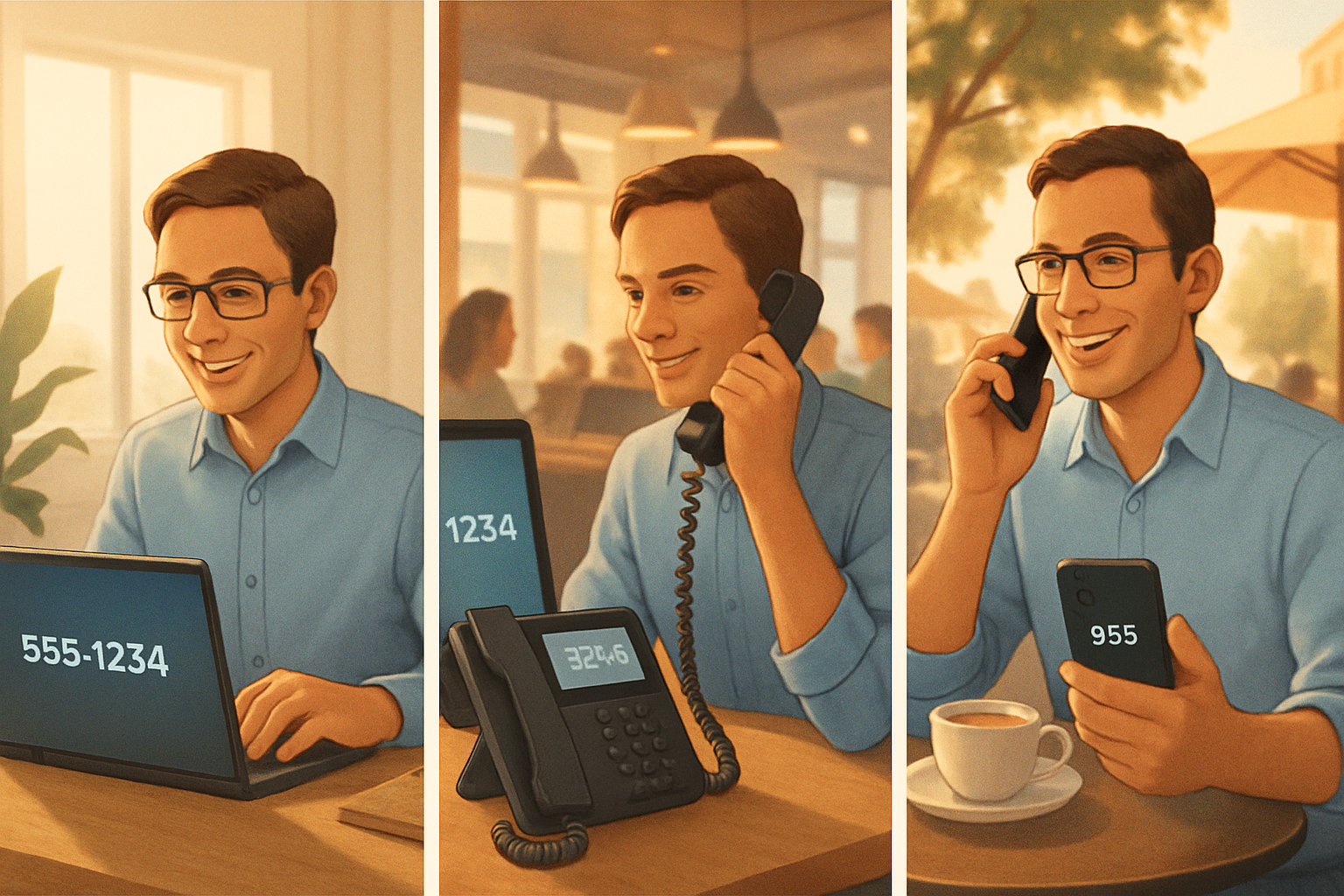
It is 8:12 a.m. in Colorado Springs. A customer calls the main business number they have used for 6 years, expecting to reach Maria in accounting. Maria is not at her usual desk today. She is working from home near Briargate, her manager is at the office off Garden of the Gods Road, and another teammate has taken a touchdown desk after school drop-off. The customer should not have to care where any of them are sitting. That is the real case for phone extension mobility for hybrid work.
Hybrid employees keep the same business phone identity by separating their extension, caller ID, and user sign-in from any one physical desk phone. With phone extension mobility for hybrid work, the person signs into a supported desk phone or softphone, their business number follows them, and outbound calls still show the company identity. The details that matter most are user login, caller ID rules, voicemail ownership, and emergency address handling for each location the platform supports.
How can hybrid employees keep the same business phone identity when they work from different locations?
They keep it by making the employee's business identity portable instead of tying it to one handset on one desk. In practice, that means the extension belongs to the user account, not the office chair, and the platform lets that account sign into different devices while presenting the same business number to customers.
For Colorado businesses whose people split the week between Colorado Springs offices and other work locations, this matters because customers rarely know or care about the employee's physical location. They know one company number, maybe one direct number, and they expect continuity. If Monday is downtown, Tuesday is home, and Thursday is a shared office in Monument, the phone identity still needs to feel stable.
I usually explain it this way. A desk can move. A person can move. The business identity should not keep changing with the furniture.
That identity usually includes several pieces:
- The employee's extension
- The direct inward dial number, if they have one
- The name associated with that user
- The outbound caller ID customers recognize
- Voicemail and call routing tied to the employee, not the room
This is the architectural point many teams miss. They may have a capable phone system, but if numbers and extensions are still assigned in a desk-bound way, hybrid schedules create confusion fast. In my experience, once a team has more than 2 regular work locations or more people than assigned desks, the weakness shows up within a few days, not a few months.
What problem shows up when one business number serves a team that changes locations?
The problem is not that calls cannot happen. The problem is that identity becomes inconsistent. Customers call one business number, but inside the company, who answers from where changes all week. Without a portable extension model, employees end up borrowing devices, forwarding personal phones, or presenting the wrong outbound number.
Take a hypothetical 12-person Colorado Springs professional services firm. Customers know the main number from invoices, Google Business Profile, and email signatures. Of those 12 employees:
- 4 work from the main office 4 days a week
- 3 split evenly between home and office
- 2 rotate among shared workspaces
- 3 move based on meetings, weather, and family schedules
That is not unusual. According to U.S. Bureau of Labor Statistics data, 22.8 percent of employed people did some or all work at home on an average day in 2023. For knowledge-work teams, the number is often much higher. So the hybrid pattern is no longer an exception that a phone design can ignore.
Now picture what happens if the firm's phone identity is still tied to desks:
- A customer returns a missed call from Alex, but the number displayed was the wrong local line.
- Jamie answers from home through a personal mobile forward, so the customer sees Jamie's cell voicemail later.
- Pat logs into a spare desk phone, but the phone still presents the last user's extension.
- An employee calls out from a shared space, and the caller ID does not match the business customers recognize.
None of those are dramatic outages. They are credibility problems. They make a business feel scattered even when the team is doing solid work. I have seen businesses spend plenty on internet and devices, then lose trust over one simple issue: the customer cannot tell who is calling.
Common mistake: treating call forwarding as the same thing as identity mobility
Forwarding a desk number to a cell phone may help a call ring somewhere, but it does not automatically preserve the employee's full business identity. Voicemail, outbound caller ID, internal extension dialing, and emergency location can all become inconsistent. For hybrid schedules, basic forwarding is often a patch, not a design. A quick reality check is this. If 3 employees are forwarding to personal phones this week, and each one shows a different callback number, you have reachability but not a clean business identity.
How does extension mobility actually work in a hybrid setup?
It works by letting the employee sign into a supported phone endpoint or app so the system applies that user's extension and calling identity wherever they are working. This is the core of phone extension mobility for hybrid work. The person changes locations, but the platform carries their business identity with them.
There are a few common models:
| Model | What moves with the user | Best fit |
|---|---|---|
| Desk phone sign-in | Extension, voicemail, name, calling permissions | Shared desks, hoteling, rotating office seats |
| Softphone app sign-in | Business number, extension, company presence | Home setups, occasional office days, flexible schedules |
| Mixed model | Same identity across app and desk devices | Teams alternating among office desks and other work locations |
In a practical Colorado Springs office, this often means an employee can walk into a shared workspace on Tuesday, sign into a desk device in less than 60 seconds, and have their extension there for the day. On Wednesday from home, that same employee uses the platform's app and still appears to customers as the same business person from the same business number.
I prefer systems that make the user account the center of the design. If identity only works correctly at one desk, hybrid policy and phone architecture are fighting each other.
This is also why QuByte Systems approaches phone planning as a workflow decision, not just a hardware purchase. The right question is not "Which phone set do we buy?" It is "How does the employee remain reachable as the same business person across 2 or 3 regular locations?"
What does device sign-in solve that a fixed desk assignment does not?
Device sign-in solves the mismatch between changing locations and fixed identities. It lets a user temporarily claim a supported desk phone or app session without permanently reassigning the hardware.
That matters when:
- Several employees share 8 desks but 12 people rotate through the office
- Reception coverage changes by day
- A manager uses one office 2 days a week and home 3 days a week
- Seasonal weather shifts where people work during snow days or summer construction disruptions
In other words, the business stops designing around seats and starts designing around people.
Colorado hybrid schedules often move with the week, not with long-distance travel. A team member may work Monday and Thursday from a Colorado Springs office, Tuesday from home in Falcon, and Friday from a shared workspace in Monument or Pueblo West. The phone design has to reflect those short-range location shifts, especially during winter weather, school closures, and summer storm season when in-office attendance changes day by day.
What should a business check before turning extension mobility on?
Check 4 things first: supported devices, caller ID policy, voicemail assignment, and emergency address workflow. If even 1 of those 4 is unclear, the rollout tends to feel inconsistent to users within the first week.
I tell owners to test this with a short checklist, not assumptions:
Pre-rollout checklist for hybrid phone identity
- List every employee who works in 2 or more locations during a normal month.
- Count how many desks are shared versus permanently assigned.
- Document which outbound number should display for each role or user.
- Confirm whether voicemail belongs to the user or the device.
- Verify how a user signs in and out, and how long that takes.
- Test one office call, one home call, and one shared-desk call before full rollout.
Why does outbound caller ID consistency matter so much?
It matters because customers trust recognizable numbers and because your company identity should look the same regardless of where the employee is sitting. If the outbound number changes based on device or location, the business appears disorganized and callbacks land in the wrong place.
Here is a weak versus strong example that shows the difference.
Weak version:
- Employee calls from home.
- Customer sees a random number, a personal mobile number, or a line tied to another office location.
- Customer ignores the call or returns it to the wrong endpoint.
Stronger version:
- Employee calls from a softphone or signed-in desk device.
- Customer sees the same business caller ID they already know.
- Callback reaches the employee's business identity, not a temporary workaround.
This is one of the biggest reasons companies ask about phone extension mobility for hybrid work. They are trying to protect a familiar business presence while work locations keep changing.
There is also a customer behavior angle here. The Federal Communications Commission has spent years warning the public about spoofed and unrecognized calls. People are more selective about which numbers they answer. If your staff place legitimate calls but show inconsistent caller IDs, you are making your own outreach harder.
Myth: If the call rings the employee, the phone setup is doing its job.
Reality: Reachability is only half the job. In a hybrid business, the system also needs to preserve the employee's extension, business caller ID, voicemail ownership, and, where supported, the correct emergency location. Otherwise customers and staff are forced to guess who is actually attached to each number.
Can the same employee use both a desk phone and a softphone identity?
Yes, on platforms that support it, the same user identity can apply across a desk phone and a software app. That lets a person stay reachable under one extension while switching between office and non-office workdays.
The important question is not just whether both devices can ring. It is whether the platform keeps the same user identity, policies, and caller ID behavior across them. Those details decide whether the setup feels coherent or patched together. I have found that if a team only tests inbound ringing and skips outbound caller ID, they miss one of the most visible failure points.
What about emergency address requirements for hybrid employees?
Emergency address handling matters because a portable phone identity does not automatically mean a portable emergency location. If the chosen platform supports dynamic or user-updated emergency address records, that capability needs to be planned deliberately for office, home, and shared workspace use.
This is where plain-English phone advice is worth more than a feature brochure. A business can love the idea of one identity everywhere, then overlook the fact that emergency services need a usable location for a 911 call. The FCC and state requirements continue to push organizations to take dispatchable location seriously for modern communications.
In real terms, review these points:
- Does the platform support emergency address assignment per user, per device, or per known location?
- Can a remote user update their address when working from home?
- What happens in a shared workspace where desks are not permanently assigned?
- Who is responsible for keeping those records current?
- How will employees be trained in 10 minutes or less to confirm their location setup?
I do not like leaving this vague. If a business has 15 hybrid users and even 5 of them move locations regularly, emergency location should be part of the phone conversation from day 1, not an afterthought after deployment.
Does every hybrid employee need the same emergency location setup?
No. The right setup depends on how predictable each employee's work pattern is and what the platform supports. A mostly desk-based employee may need one standard office record, while a rotating employee may need a process for confirming location more often.
For example, a receptionist who works from the same Colorado Springs office 5 days a week may need one fixed office location. A manager who splits time among 3 places in the same week may need a simple sign-in process and a location confirmation habit each time they switch. The design should match actual work habits, not a generic template.
How do Colorado businesses know if phone extension mobility for hybrid work is a good fit?
It is a good fit when employees regularly change working locations but still need to be reached and recognized as the same business identity. If your team uses shared desks, home offices, or rotating workspaces during the same week, a desk-bound phone model usually starts creating friction.
Here are the clearest fit signals I see:
Signs the current phone identity model is too fixed
- Customers receive calls from 2 or 3 different outbound numbers for the same employee.
- Staff forward business calls to personal devices just to stay reachable.
- Employees lose their extension when they leave a physical desk.
- Shared desks create confusion about who is signed into which phone.
- Leadership wants hybrid flexibility without making customer communication feel less professional.
- Emergency address handling for remote and shared locations is unclear.
If your needs go beyond identity mobility into broader call handling, you may also want to compare how growth affects routing and staffing. This related piece on which business communication features matter most as a company grows helps frame that wider decision without losing sight of the basics.
And if your concern is coverage when people are away from their normal setup, this article on keeping customer calls covered when key staff are out of the office connects well to the same reachability problem.
I would also be careful about buying around the issue with one-off fixes. If support is reactive and phone changes only happen after something breaks, identity drift tends to keep spreading. That is part of why many growing firms compare managed support with ad hoc help. This breakdown of managed IT support versus break-fix for a growing small business is useful when you are weighing who will own the ongoing design and cleanup.
"Customers should not have to learn your team's weekly seating chart to reach the right person. Good phone design makes location flexible without making identity fuzzy."
For many Colorado businesses, the answer is not a bigger system. It is a clearer one. Identity needs to follow the employee across the places they actually work. In my view, if a customer cannot tell the difference between your Tuesday office call and your Thursday home-office call, the setup is doing its job.
Need help answering how your hybrid employees keep the same business phone identity?
If your team divides the week among Colorado Springs offices and other work locations, QuByte Systems can review how extensions, caller ID, device sign-in, and emergency address handling work in your current setup and where the gaps are. Book a discovery call to look at the real workflow, not just the phones. Beyond IT support. Engineering what comes next.
Book a discovery call