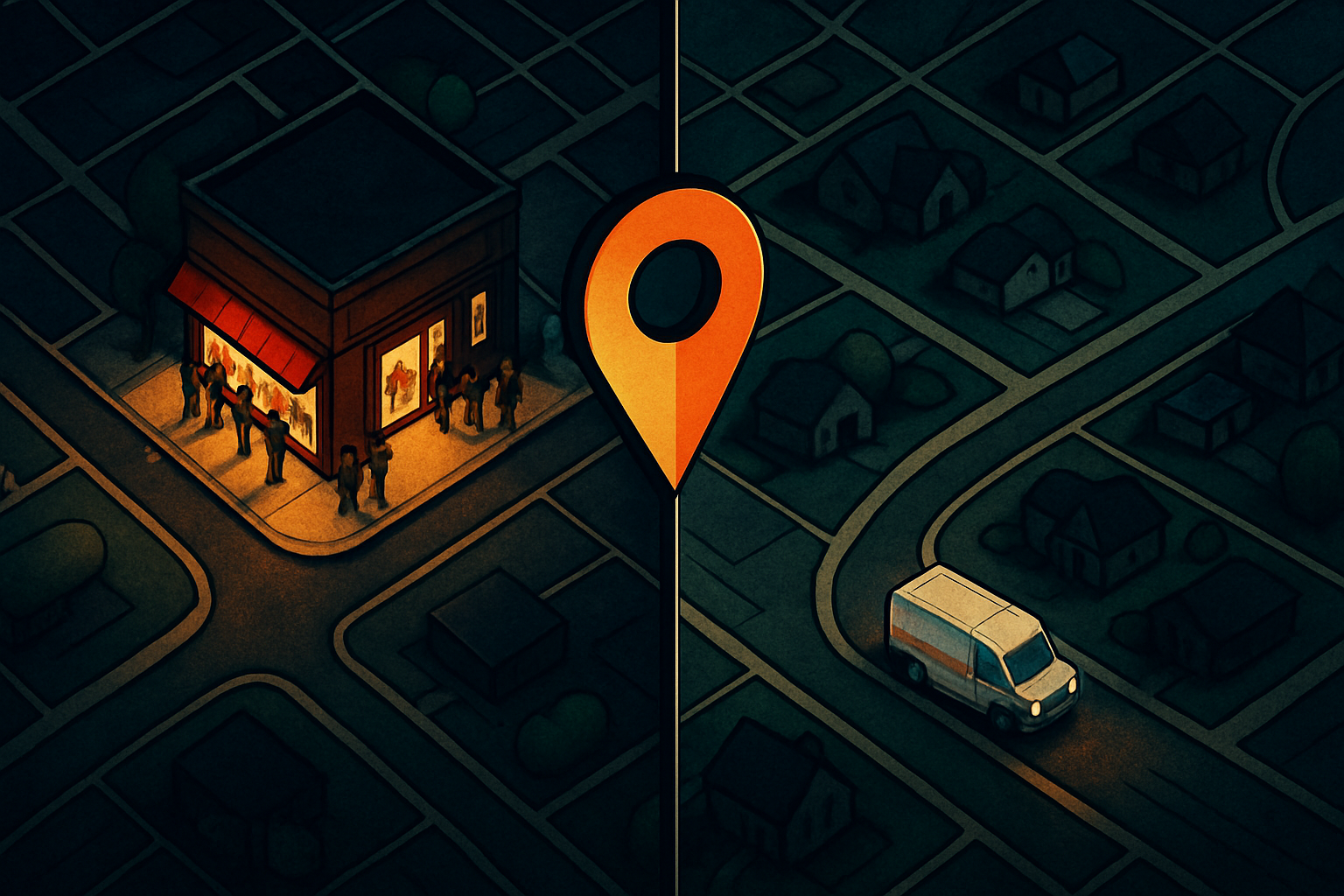
Two businesses can offer the same service and still need completely different Google Business Profile setups. One has customers walking into a staffed office or shop during stated hours. The other spends the day on the road, meeting customers where the work happens. That fork matters more than what looks better on a profile page. If you get the Google Business Profile storefront vs service area business decision wrong, you change what customers see and you can misrepresent how your business actually operates.
Should my Google Business Profile show my address or be set up as a service-area business? Show your address only if you serve customers at that location during stated business hours and it is staffed. If you travel to customers and do not receive them at your location, set it up as a service-area business and hide the address. If you do both, you may qualify as a hybrid business.
Google is fairly clear on the logic. Your profile should reflect real-world customer interaction, not a tactic. Google’s official guidance at Google Business Profile Help says businesses that serve customers at their business address can display that address. Businesses that visit or deliver to customers directly, but do not serve customers at their address, should not show the address and should define service areas instead.
Should my Google Business Profile show my address or be set up as a service-area business?
The short answer is simple. Match the profile to how a customer actually gets served. If customers come to a staffed location, that is a storefront model. If you go to them and do not receive walk-in or scheduled customers at your address, that is a service-area model.
Here is the customer interaction test I use with owners:
- Can a customer come to your location during posted hours and be served there?
- Is that location staffed during those hours?
- Is the address a real customer-facing place, not just a home office, mailbox, coworking desk, or registration address?
- Does your website contact and location information describe the same setup?
If the honest answer is yes to the first three, showing the address may be appropriate. If the honest answer is no, hide the address. The website piece matters more than people think. If your profile says one thing and your site suggests another, you create confusion for customers and for Google’s systems.
The common mistake
Owners often choose the setup they think looks stronger rather than the setup that matches reality. A displayed address can feel more established. A wider service area can feel bigger. Neither matters if the profile misstates how customers are actually served.
What counts as a storefront business under Google’s rules?
A storefront business serves customers face to face at its address during business hours. That means the location is staffed and customers can actually come there for service, not just paperwork or occasional appointments.
Hypothetical example one. Front Range Mobility Repair has a staffed office where customers bring scooters and wheelchairs for diagnosis and pickup. The front desk is open Monday through Friday, 8 a.m. to 5 p.m. A customer can walk in, drop off equipment, pay, and pick it up later. That is a storefront. The address can be displayed because the business serves customers there.
Weak version: “We have an address, so we should show it.”
Stronger version: “Customers are served at this staffed location during posted hours, so the address belongs on the profile and on the website.”
What makes a business a service-area business instead?
A service-area business goes to the customer and does not serve them at its business address. In that case, the address should be hidden and the profile should be built around the areas served.
Hypothetical example two. Peak Line Contracting is a contractor based in Colorado Springs. Crews travel throughout the metro for estimates, repairs, and project work. Customers do not visit the office for service. The address is an administrative base, not a customer-facing location. That business should be configured as a service-area business.
This is where the Google Business Profile storefront vs service area business decision gets real. A Colorado Springs contractor may work in Briargate in the morning, Security-Widefield at noon, and Monument in the afternoon, but none of that turns the office into a storefront. If people are not coming there to be served, the address should stay hidden.
In Colorado Springs, this comes up constantly with contractors, mobile detailers, roofers, and home service providers. They may cover 20, 30, or 40 miles across the metro and nearby communities, especially after hail, wind, or freeze-related demand spikes, but that service footprint does not change the fact that service happens at the customer location.
When can an address be displayed, and when should it be hidden?
Display the address only when customers can actually receive service there during posted hours. Hide it when the location is not customer-facing, even if it is your legal business address.
According to Google Business Profile Help, service-area businesses should not display an address if they do not serve customers at that location. Google also states that P.O. boxes and mailboxes are not acceptable as business locations for profiles. That logic exists to keep what users see tied to the real customer experience.
Use this decision path:
- If customers are served at your location during stated hours, show the address.
- If you only travel to customers, hide the address and set service areas.
- If you do both, keep reading because you may be a hybrid.
- If your location is a home, registration address, shared office, or back office where customers are not served, hide the address.
Most businesses do not have a Google setup problem because the rules are unclear. They have a plain-language honesty problem. Say what happens in real life and the setup usually gets simpler.
Myth: Showing an address always makes a business look more legitimate, so it is better to display one if you have it.
Reality: A visible address is appropriate only when customers are actually served there. If the address is hidden in real life but shown on the profile, customers can be misled and the profile no longer represents the business accurately.
How is a hybrid business different?
A hybrid business both serves customers at its location and also travels to them. In that case, the address may be shown because the business qualifies as customer-facing at the location, and service areas can also be added for the areas served off-site.
An example would be a flooring company with a staffed showroom where customers browse samples and sign contracts, while installers travel to homes for measurement and installation. That is different from a contractor with only an office where nobody is received. Google’s distinction is about customer interaction, not the industry label.
If you are unsure, test the customer journey step by step:
- Can a first-time customer reasonably visit the location?
- Can they receive meaningful service there, not just drop off a check?
- Are the posted business hours real and staffed?
- Does your website present that same path?
For owners sorting out profile choices alongside broader visibility questions, I’d also look at this breakdown of GEO vs AEO. It helps separate location representation from the bigger issue of how buyers now find and cite businesses across Google and AI answers.
Can I show an address if customers only come by appointment?
Only if customers are actually served at that location and the business is staffed during the stated hours shown on the profile. “Appointment only” does not automatically disqualify you, but a private office that is rarely staffed and not set up for customer visits is a different story.
This is the spot where owners try to talk themselves into a storefront. I would not force it. If the place mainly exists for admin, inventory, or registration, that is not the same as a real customer-facing location.
What should my website say if the profile is a storefront, service-area, or hybrid setup?
Your website should describe the same real-world interaction model shown on the profile. If the profile says customers visit a location, the site should make that clear. If the profile says you travel to customers, the site should not read like a walk-in storefront.
This is the locked angle I would not ignore. Ensure website contact and location information describes the same real-world customer interaction model represented on the profile.
Here is a simple consistency check:
| Business model | Profile setup | Website contact/location language |
|---|---|---|
| Storefront | Address displayed | Invite visits, list staffed hours, explain in-person service |
| Service-area | Address hidden, service areas listed | State that you travel to customers, describe service territory, avoid walk-in language |
| Hybrid | Address displayed plus service areas | Explain both options clearly, visit us here or book on-site service |
If this sounds small, it is not. Google’s own local guidance depends on representational accuracy, and buyers make snap judgments fast. A 2024 survey from BrightLocal found that 87 percent of consumers used Google to evaluate local businesses in the last year. If your profile and site disagree about where service happens, that is friction you created for yourself.
Information consistency check
- Profile hours match actual staffed availability.
- Address is shown only if customers are served there.
- Website footer matches the same model.
- Contact page explains visit us, we come to you, or both.
- Location references do not imply a showroom or office visit if none exists.
If you are cleaning this up as part of a larger visibility process, our publishing system at postedby.ai is built to keep the business website, profile activity, and authority content saying the same true thing in public, week after week.
Jeff's Insights
I have watched a lot of owners overcomplicate this one because they think there is a clever setup Google likes better. Usually there is not. The boring answer is the right one. Describe the business the way a customer would experience it at 10:30 on a Tuesday. Can they walk in and be helped, yes or no? If not, do not build a fake storefront story around an office, a house, or a registration address. That kind of mismatch bleeds into everything else. Your website starts hinting at visits that do not happen. Your profile shows an address customers should not use. Then the owner wonders why the whole thing feels messy. Clean profiles usually come from clean operations and clear language, not tricks.
What if I already picked the wrong setup?
Fix it to match reality, then update the website language that supports it. Do not just toggle the profile and leave old contact details and customer instructions behind.
The Google Business Profile storefront vs service area business choice affects more than one field. It changes whether customers expect to visit you, whether they look for hours at a location, and how your business is represented in search results. It also shapes how AI answer engines summarize your business from public signals. They do not need hype. They need consistent facts.
If your phone calls have thinned out and buyers are asking ChatGPT or Google AI for local options, this kind of cleanup is not glamorous, but it matters. Clear profile structure, accurate website language, and steady published expertise give those systems something usable to cite. Not instantly, not magically, just honestly and consistently.
Need someone to handle this profile setup decision for you?
We can take the Google Business Profile storefront vs service area business cleanup off your plate, including the website language that needs to match it. If you want help making the profile and site reflect the same real customer interaction model, start here. Be the source AI cites.
See how postedby.ai handles it